
Personal and shared finances
Track expenses. Scan receipts. Split what matters.
Poppie turns daily transactions into a clear picture of your money. Record income and expenses, follow budgets and keep shared costs organized without giving up control.
Explore Poppie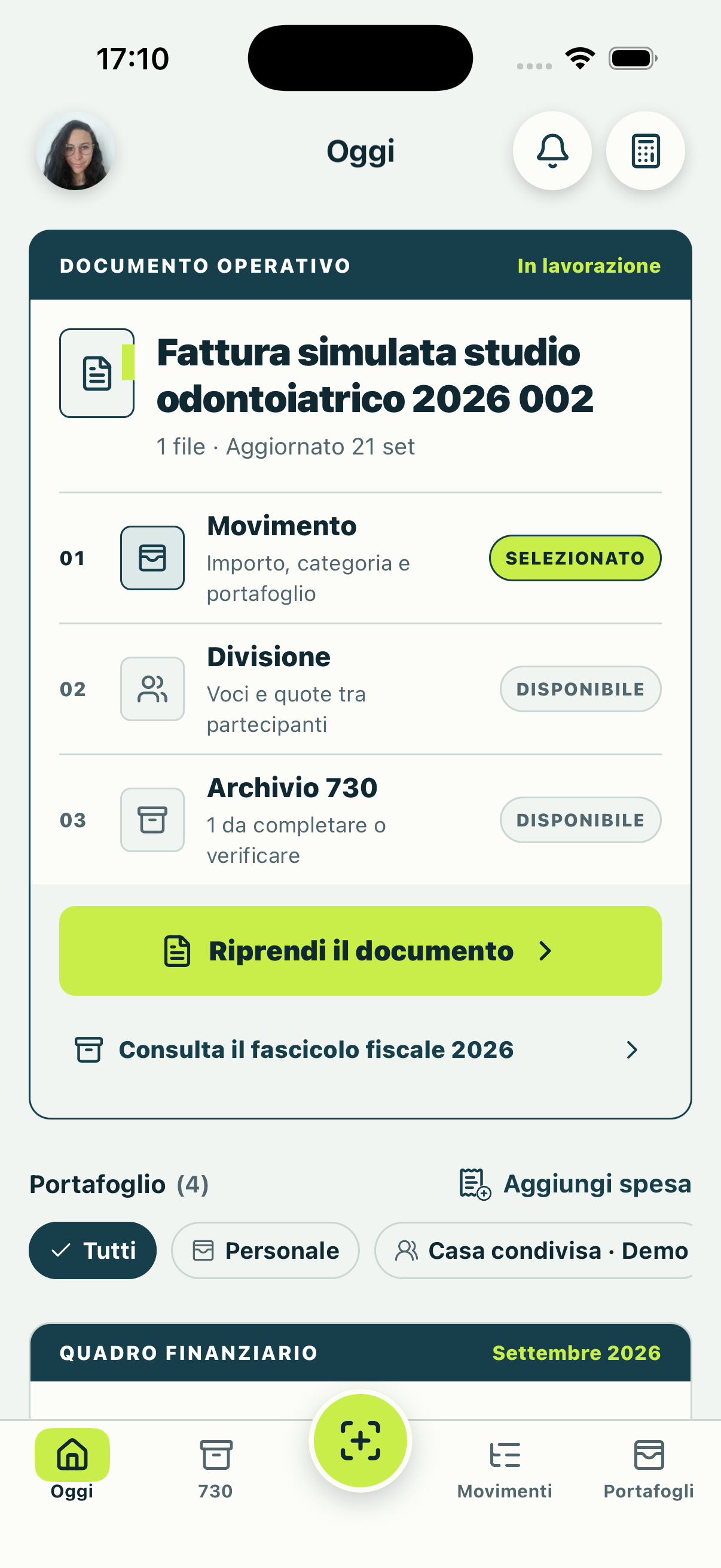
One connected workflow
From a receipt to the full picture.
Capture a receipt, review the extracted draft and record the transaction. The same data updates the relevant wallet, budget, categories and trends.
You can start without an account for personal features. Sign in when you want to sync between devices or collaborate in shared wallets.
A receipt scanner that keeps you in control.
- 1
Capture
Use the camera, choose an existing photo or import a PDF with up to 10 pages.
- 2
Review
Check the merchant, date, items, quantities, prices, categories and total before saving.
- 3
Record or split
Save the complete expense or assign individual items and shared costs to each person.
- 4
Find it later
Keep verified receipt information linked to the transaction while the original image is removed after saving.
Budgets connected to real spending
See what remains, not just what is gone.
Each transaction updates your monthly budget and category trends. Separate home, travel and personal expenses into different wallets so every goal stays in context.
- Monthly budgets
- Set a limit and see the used amount and what remains.
- Categories
- Understand where spending is concentrated and compare periods.
- Multiple time ranges
- Review weeks, months, years or a custom interval.
- Clear alerts
- Text and exact amounts make approaching limits understandable without relying only on color.
Shared expenses
One wallet for every group.
Create a dedicated wallet for home, a couple, a trip or a small group. Invite people through a verified email address and choose admin, edit or view-only access.
Balances, payment requests, comments and activity stay in the right context. For a single receipt, share a link or QR so people can choose their items from the browser without installing the app.
Transparent by design
Automation proposes. You decide.
Automatic analysis creates an editable draft. Poppie asks for camera, photos, files, microphone or contacts only when you choose the related feature.
Read the privacy notice- Start without an account
- Personal features are available before registration.
- Offline-first
- Personal data remains available when there is no connection.
- Original image removed
- The receipt photo is deleted after you save the verified result.
- Sensitive identifiers filtered
- Detected tax IDs, IBANs, card numbers, emails and phone numbers are removed before saving.
Frequently asked questions
Before you start.
Do I need to connect a bank account?
No. Poppie does not require a bank connection. You record and organize the transactions you choose.
Does receipt analysis always get everything right?
No automatic extraction is perfect. Poppie always presents a draft you can review and edit before saving.
Is Poppie available on iPhone and Android?
Poppie is designed for both platforms. Android is currently in a closed test and the public store links will appear on this site when distribution opens.